- Published
Telegram shop with inventory: stock without a second tool
Selling in Telegram is easy until someone buys the last unit twice. Spreadsheets and “I think we have it” break the moment orders arrive from chat or from the Mini App. You need remains, reservations, and write-offs next to the same catalog that powers the shop — so you sell yourself and fulfill from stock that matches what the customer sees.
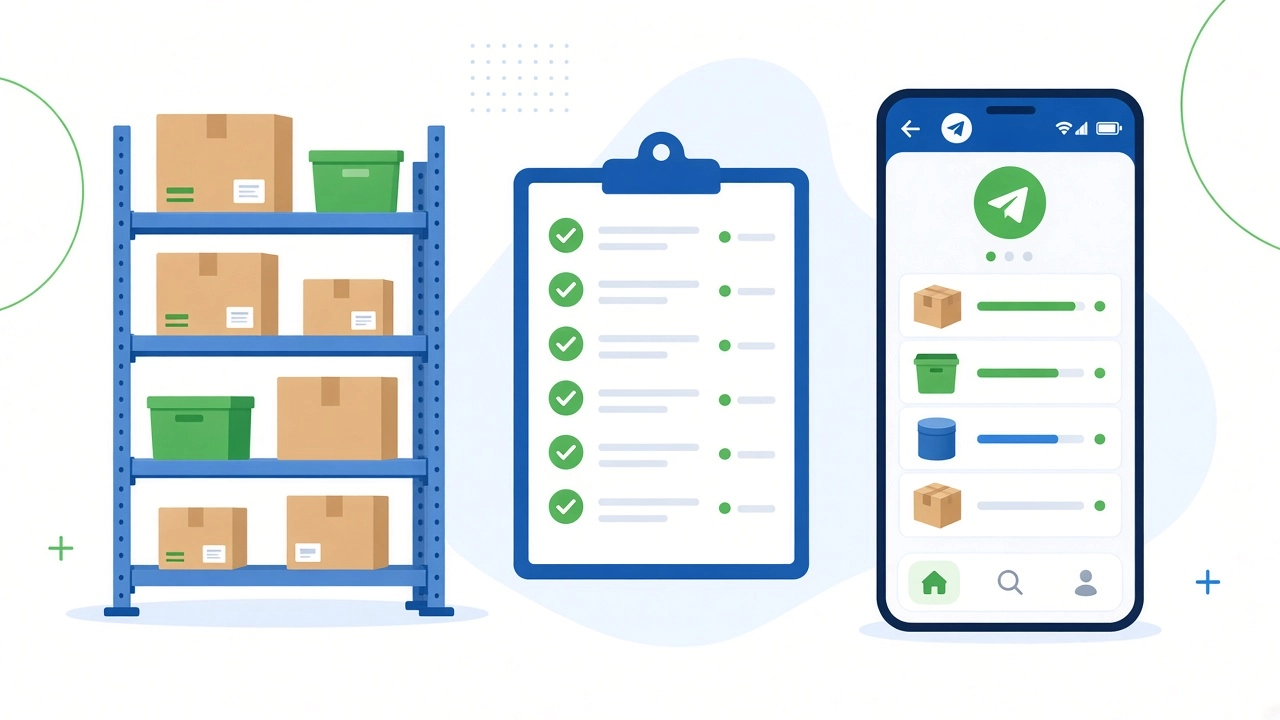
A week in the life of a DM seller with stock that works
Monday. You already take orders in Instagram Direct and Telegram. Instead of a sheet column for “qty,” bestsellers live in the catalog with free remains. The Mini App shows what you can actually sell.
Tuesday. A customer opens the shop, adds a dress to cart, and pays. The order lands on one board. Stock reserves that unit — free remains drop, so the next buyer in chat cannot take the same piece.
Wednesday. Two more DM sales arrive. You create orders from chat on the same board. Each line reserves again. You pack from reserved stock, not from a guess in your head.
Thursday. A return and a damaged unit. You write off what left the shelf for real reasons. Free remains stay honest; reserved stays tied to open orders.
Friday. You read the board: what is reserved vs free, what moved, who is waiting on pack. Analytics is not scrolling chats — it is stock next to Mini App traces and orders in one CRM.
That is warehouse as a fulfill system for people who already sell in DMs: reserve on promise, write off on handoff, keep free stock sellable.
Reservation and write-off — the core loop
- Reserve on order — when the Mini App or a chat sale becomes an order, the unit is promised. It leaves free stock so you do not double-sell.
- Fulfill from reserve — pack and ship (or hand over) against the reserved line.
- Write off on handoff — when the item leaves you for good, write-off closes the loop. Remains match reality.
- Inventory when you need a reset — count, adjust, keep the catalog and the shelf in sync.
Without this loop, “sell yourself + fulfill yourself” collapses into the same spreadsheet pain you left. With it, every Mini App open can become an order that stock can actually support.
How it fits the Telegram shop
Catalog and Mini App share one backend with the warehouse. Opens and orders leave a trace next to stock — not in a separate file. Marketplace selling often outsources fulfillment rules; own-channel selling means you own the promise and the shelf. Warehouse in the same CRM is how that promise stays true.
Practical path
- Fill the catalog from what you already sell in DMs.
- Open the Telegram shop on that catalog.
- Turn stock on for bestsellers; set starting remains.
- Reserve on every new order (Mini App and chat).
- Write off when you hand the parcel or the bag to the customer.
- Add a branded website later if you need search and your own domain — stock stays the same system.
Try it: datalizeCRM Basic — free forever: catalog, Telegram shop, warehouse included.